
Live Scores, Weather, and More. Right on Your Shelf.
A small LED display that quietly keeps you posted on the games, the sky, the markets, and the moon. Plug it in and it's already working.
Hand-built to order in Minnesota.
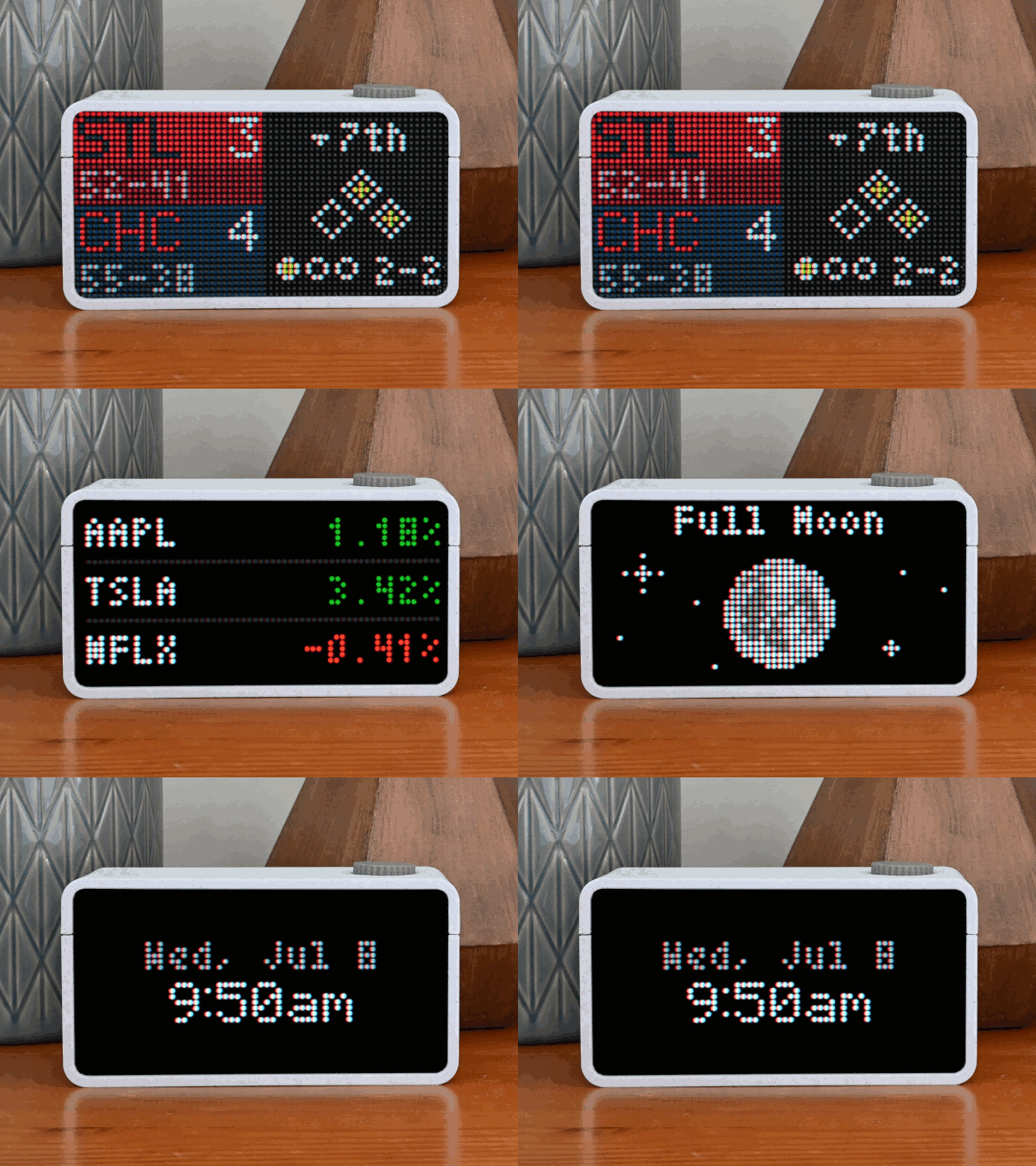
Many Apps. One Dial.
Cycle through as many or as few as you like, or let it rotate on its own. New apps are added all the time and show up automatically.
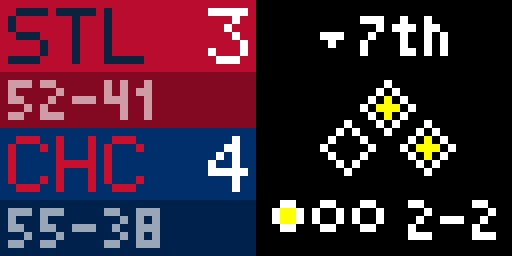
Live Scores
MLB, NHL, NBA, NFL, MLS, WNBA, and college football and basketball.
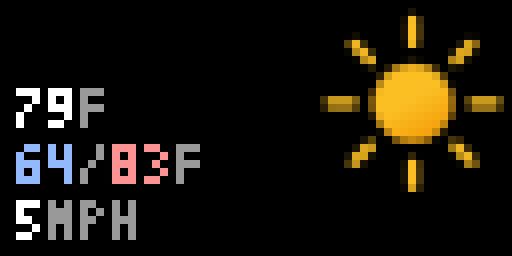
Weather
Current conditions for your zip code.
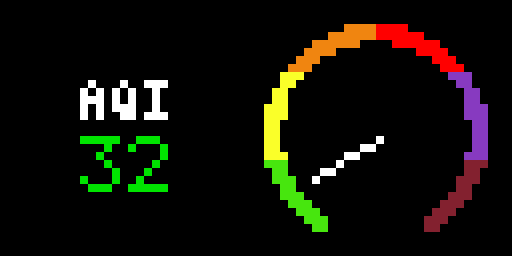
Air Quality
An at-a-glance AQI gauge for your area.
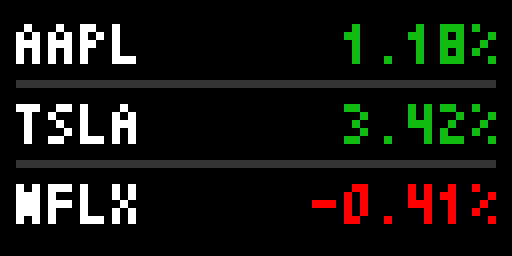
Stocks
The tickers that matter to you, moving live.

Moon Phase
Tonight's phase, at a glance.
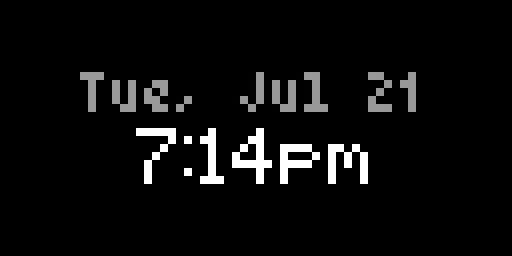
Date & Time
Clean and glanceable, in your timezone.
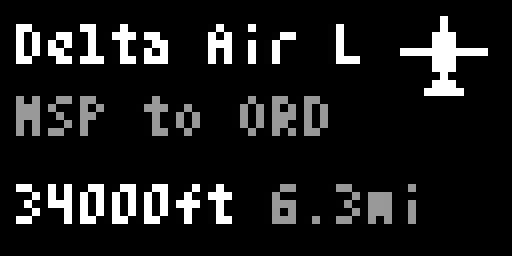
Flight Tracker
The nearest aircraft overhead, and where it's headed.
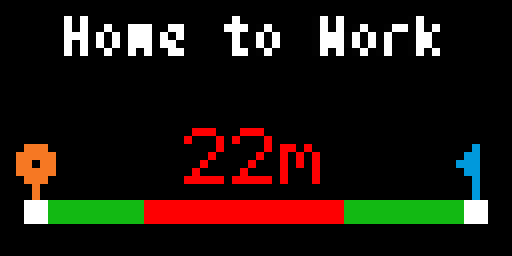
Traffic
Your commute's drive time, with live conditions.
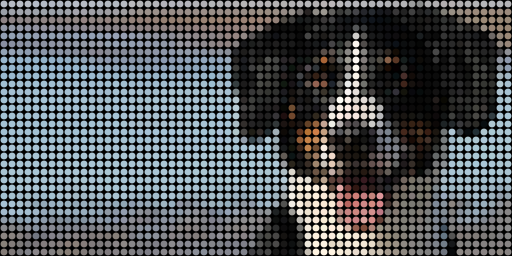
Freeform
Draw your own pixel art or upload a photo, right in the browser.
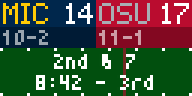
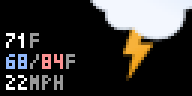
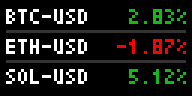
And Many More
New apps arrive over Wi‑Fi, at no extra cost.
Set It Up From Your Phone.
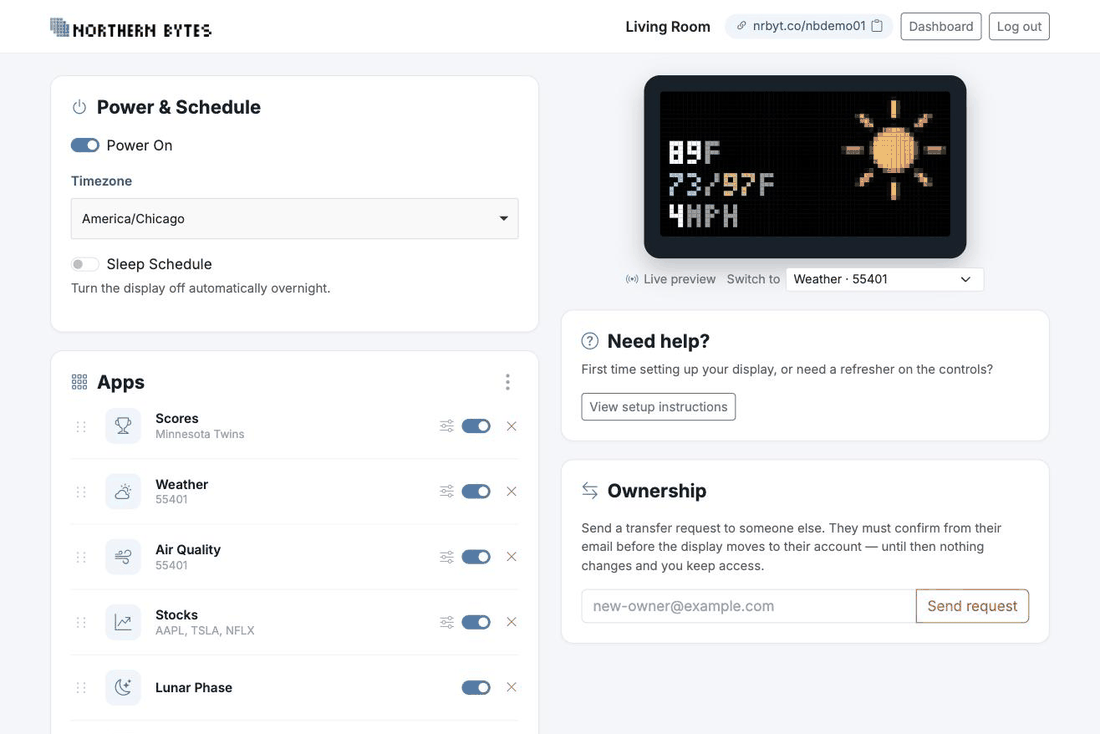
Scan the QR code on the bottom of the display and its settings page opens in your browser. No account needed, nothing to install.
- Add the apps you want. Install more than one of the same app: a Scores app per team, a Stocks app per set of tickers.
- Drag to reorder. The display cycles through them in whatever order you set.
- Turn any app on or off. Leave one on to stay on a single screen.
- Set a sleep schedule. The display switches itself off overnight and back on in the morning.
- Watch it live. A preview on the page mirrors exactly what's on the panel.
Changes reach the display in about 30 seconds.
Built by Hand, in Minnesota.
Northern Bytes is a one-person operation. I design, build, and test every display myself, in a small shop in Minnesota. The enclosure is 3D printed right here in the shop.
Nothing here is mass-produced. Every order is built and checked by hand before it ships.
Good Questions.
Do I need an app on my phone?
No. Scan the QR code on the bottom of the display and its settings page opens in your browser, on a phone, a tablet, or a laptop. There's nothing to install and no account to create.
How do I get it on Wi-Fi?
The display walks you through it on its own screen the first time you plug it in. Turn the dial to highlight your network, press to select it, then dial in your password one character at a time. No app, no captive portal.
Is there a subscription?
No. There's no monthly fee and nothing to renew. New apps are added over time and arrive on your display over Wi-Fi at no extra cost.
How does it get new features?
It updates itself. The display checks for new firmware when it boots and once an hour after that, and installs anything newer on its own. You don't have to do anything.
Which teams can I follow?
Every team in MLB, NHL, NBA, NFL, MLS, and WNBA, plus 68 college football teams and 70 college basketball teams. You can install a Scores app per team and follow as many as you like.
What does it show when my team isn't playing?
The next scheduled game with its day and time. In the off season, or when there's no game on the schedule, it says so on a screen in your team's colors and moves on to your other apps.
Can I turn it off at night?
Two ways. Set a sleep schedule on the settings page and it switches off and back on by itself, or press and hold the dial for two seconds any time.
Does it have to stay connected to Wi-Fi?
Yes. It pulls fresh data every few seconds, which is how scores stay live and weather stays current. It needs your 2.4GHz network.
Can I give one as a gift?
Yes, and you can hand over the settings too. From your dashboard you can transfer a display to someone else's email. They confirm from their end, and until they do, nothing changes.
Can I put my own artwork on it?
That's the Freeform app. Draw whatever you want on a 64×32 grid in the browser, or upload a photo, and it goes straight to the display.
Questions? Just Ask.
Whether it's a setup question or something before you buy, you'll hear back from us shortly.